
This post contains affiliate links. If you buy through Amazon links, we earn a small
commission at no extra cost to you. We always list Electronixity first.
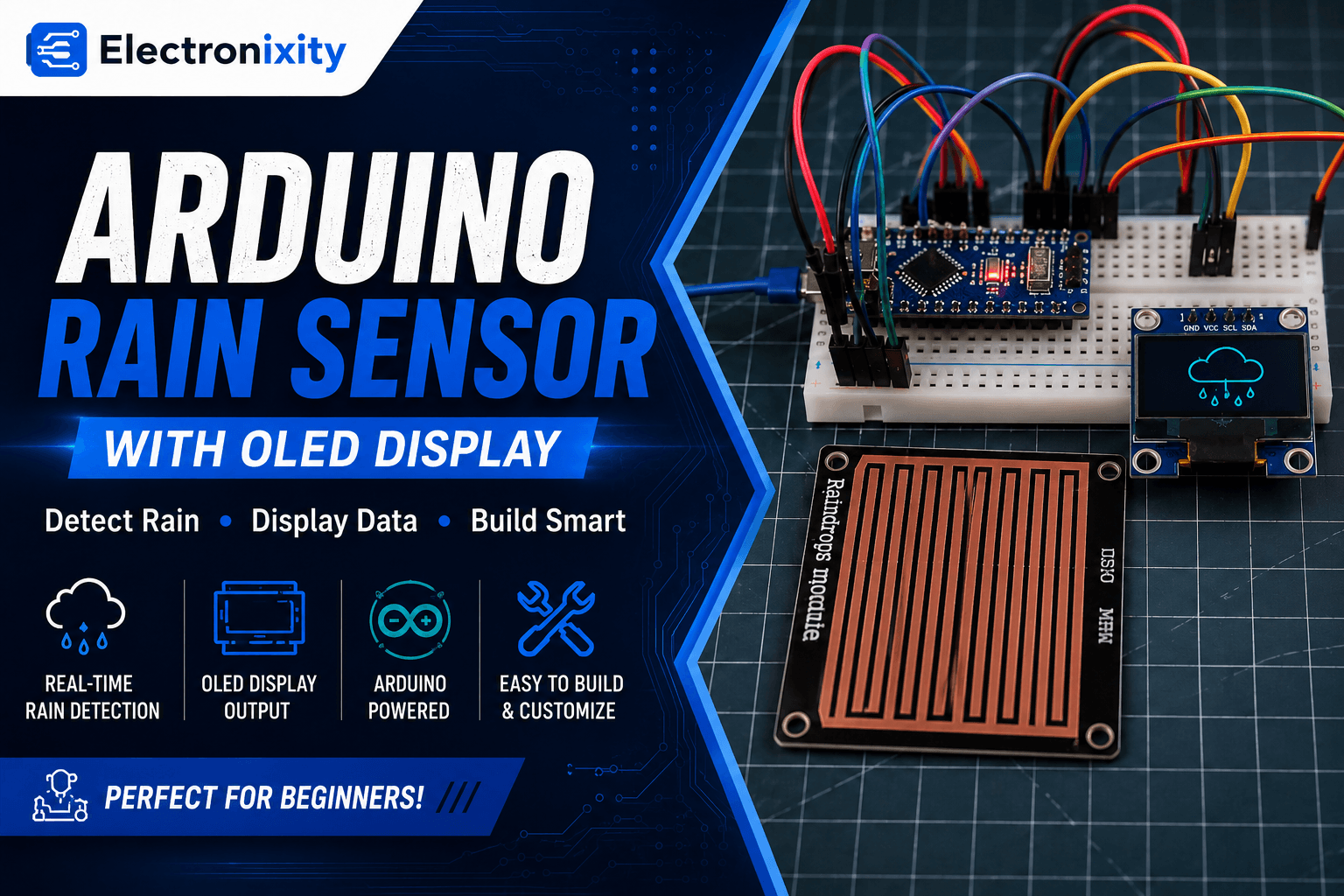
Ever wondered how a car’s automatic wiper knows exactly when it starts raining? This
rain sensing wiper project recreates that behaviour on a desktop scale using an Arduino Nano, a
rain sensor, an MG90 servo motor, and a
0.96″ OLED display. When the rain sensor detects moisture, a servo-driven
wiper arm starts sweeping back and forth while the OLED animates raindrops and a matching
wiper blade in real time. The moment it’s dry again, the wiper parks itself and the OLED
switches to a cheerful sun animation. It’s an intermediate build — budget 45–60 minutes for
wiring and code — and a great demonstration of automatic, sensor-driven control for STEM and
engineering mini-projects.
Features & What You’ll Learn
- Digital rain sensing and state-change detection
- Driving a servo and an OLED animation in perfect sync
- Non-blocking timing with
millis()instead ofdelay() - Simple animated graphics on an SSD1306 OLED (drops, wiper arm, sun rays)
- Difficulty level: Intermediate
- Estimated build time: 45–60 minutes
Bill of Materials (BOM)
Here’s everything you need for this build. We’ve linked each part to Electronixity so you
can order them in one cart, with Amazon India as a backup option.
Circuit Diagram & Pin Connections
The rain sensor outputs a simple digital HIGH/LOW signal, the
OLED runs over I2C, and the MG90 servo drives the physical
wiper arm.
| Component Pin | Arduino Nano Pin |
|---|---|
| OLED VCC | 5V |
| OLED GND | GND |
| OLED SDA | A4 |
| OLED SCL | A5 |
| Rain Sensor VCC | 5V |
| Rain Sensor GND | GND |
| Rain Sensor D0 | D12 |
| MG90 Servo Signal | D3 |
| MG90 Servo VCC | 5V (external supply recommended) |
| MG90 Servo GND | GND |
Step-by-Step Assembly
- Wire the OLED to the Nano’s I2C pins (A4/A5), same as any standard
SSD1306 module. - Connect the rain sensor‘s digital output (D0) to pin D12. This board is
most commonly active LOW — meaning it reads LOW when wet, HIGH when dry. - Attach a small wiper-arm shape to the MG90 servo horn and connect its
signal wire to D3. - Install the Adafruit GFX and Adafruit SSD1306
libraries from the Arduino IDE Library Manager before uploading. - Place a few drops of water on the rain sensor’s exposed plate to test detection once
everything is wired.
Adjust the sensitivity potentiometer on the rain sensor board (if present) so a small
amount of water reliably triggers a state change without false positives from humidity.
Code
This sketch checks the rain sensor every 200 ms, switches between a “wet” and “dry” state,
and animates the OLED accordingly — falling raindrops with a sweeping wiper line when wet, or
a rotating sun icon when dry. The MG90 servo always mirrors the wiper angle drawn on screen.
1#include <Wire.h>2#include <Adafruit_GFX.h>3#include <Adafruit_SSD1306.h>4#include <Servo.h>5 6// -------------------- OLED CONFIG --------------------7#define SCREEN_WIDTH 1288#define SCREEN_HEIGHT 649Adafruit_SSD1306 display(SCREEN_WIDTH, SCREEN_HEIGHT, &Wire, -1);10 11// -------------------- PINS --------------------12const int RAIN_PIN = 12; // Rain sensor DIGITAL output13const int SERVO_PIN = 3; // MG90 signal14 15// Digital rain sensor is usually ACTIVE LOW (0 = rain, 1 = dry)16const int RAIN_ACTIVE_LEVEL = LOW;17 18// -------------------- RAIN STATE LOGIC --------------------19enum RainState : uint8_t { RAIN_DRY, RAIN_WET };20RainState rainState = RAIN_DRY;21 22// -------------------- TIMING --------------------23unsigned long lastSensorReadMs = 0;24const unsigned long SENSOR_INTERVAL_MS = 200;25 26unsigned long lastAnimMs = 0;27unsigned long animIntervalMs = 60;28 29// -------------------- RAIN ANIMATION --------------------30struct Drop { int x; int y; };31const int MAX_DROPS = 16;32Drop drops[MAX_DROPS];33 34void initDrops() {35 for (int i = 0; i < MAX_DROPS; i++) {36 drops[i].x = random(0, SCREEN_WIDTH);37 drops[i].y = random(-SCREEN_HEIGHT, 0);38 }39}40 41void updateDrops(int activeDrops) {42 for (int i = 0; i < activeDrops; i++) {43 int speed = 2;44 drops[i].y += speed;45 if (drops[i].y > SCREEN_HEIGHT) {46 drops[i].y = random(-20, 0);47 drops[i].x = random(0, SCREEN_WIDTH);48 }49 }50}51 52// -------------------- WIPER ANIMATION + SERVO --------------------53Servo wiperServo;54const int WIPER_MIN_ANGLE = 40;55const int WIPER_MAX_ANGLE = 140;56int wiperAngle = WIPER_MIN_ANGLE;57int wiperDir = 1;58 59// -------------------- SUN ANIMATION --------------------60int sunPhase = 0;61 62// -------------------- RAIN STATE --------------------63void updateRainStateDigital(int level) {64 RainState newState = (level == RAIN_ACTIVE_LEVEL) ? RAIN_WET : RAIN_DRY;65 66 if (newState != rainState) {67 rainState = newState;68 if (rainState == RAIN_DRY) {69 wiperAngle = WIPER_MIN_ANGLE;70 wiperServo.write(wiperAngle);71 }72 }73}74 75// -------------------- STEP ANIMATIONS --------------------76void stepAnimations() {77 if (rainState == RAIN_WET) {78 updateDrops(MAX_DROPS);79 80 wiperAngle += wiperDir * 3;81 if (wiperAngle >= WIPER_MAX_ANGLE) {82 wiperAngle = WIPER_MAX_ANGLE;83 wiperDir = -1;84 } else if (wiperAngle <= WIPER_MIN_ANGLE) {85 wiperAngle = WIPER_MIN_ANGLE;86 wiperDir = 1;87 }88 89 wiperServo.write(wiperAngle); // servo mirrors the drawn angle90 } else {91 sunPhase = (sunPhase + 1) % 16;92 }93}94 95// -------------------- DRAW HELPERS --------------------96void drawWiper() {97 int pivotX = SCREEN_WIDTH / 2;98 int pivotY = SCREEN_HEIGHT - 4;99 int length = 40;100 101 float rad = wiperAngle * PI / 180.0;102 int endX = pivotX + (int)(length * cos(rad));103 int endY = pivotY - (int)(length * sin(rad));104 105 display.drawLine(pivotX, pivotY, endX, endY, WHITE);106 display.drawLine(pivotX - 1, pivotY, endX - 1, endY, WHITE);107}108 109void drawSun() {110 int cx = SCREEN_WIDTH - 26;111 int cy = 22;112 int radius = 9;113 114 display.fillCircle(cx, cy, radius, WHITE);115 116 for (int i = 0; i < 8; i++) {117 float baseAngleDeg = i * 45;118 float angleDeg = baseAngleDeg + sunPhase * 4;119 float rad = angleDeg * PI / 180.0;120 121 int innerR = radius + 2;122 int outerR = radius + 7;123 124 int x1 = cx + (int)(innerR * cos(rad));125 int y1 = cy + (int)(innerR * sin(rad));126 int x2 = cx + (int)(outerR * cos(rad));127 int y2 = cy + (int)(outerR * sin(rad));128 129 display.drawLine(x1, y1, x2, y2, WHITE);130 }131}132 133void drawScene() {134 display.clearDisplay();135 136 int wx = 4, wy = 18;137 int ww = SCREEN_WIDTH - 8;138 int wh = SCREEN_HEIGHT - 22;139 display.drawRoundRect(wx, wy, ww, wh, 4, WHITE);140 141 if (rainState == RAIN_WET) {142 for (int i = 0; i < MAX_DROPS; i++) {143 int x = drops[i].x;144 int y = drops[i].y;145 if (x >= wx + 2 && x <= wx + ww - 4 &&146 y >= wy + 2 && y <= wy + wh - 4) {147 display.drawLine(x, y, x, y + 3, WHITE);148 }149 }150 drawWiper();151 } else {152 drawSun();153 }154 155 display.display();156}157 158void setup() {159 Serial.begin(9600);160 pinMode(RAIN_PIN, INPUT);161 162 if (!display.begin(SSD1306_SWITCHCAPVCC, 0x3C)) {163 Serial.println(F("SSD1306 init failed!"));164 while (true) {}165 }166 167 wiperServo.attach(SERVO_PIN);168 wiperServo.write(WIPER_MIN_ANGLE);169 170 randomSeed(analogRead(A1));171 initDrops();172 drawScene();173}174 175void loop() {176 unsigned long now = millis();177 178 if (now - lastSensorReadMs >= SENSOR_INTERVAL_MS) {179 lastSensorReadMs = now;180 int level = digitalRead(RAIN_PIN);181 updateRainStateDigital(level);182 }183 184 if (now - lastAnimMs >= animIntervalMs) {185 lastAnimMs = now;186 stepAnimations();187 drawScene();188 }189}Code Walkthrough
The sketch uses millis() instead of delay() so the rain sensor can
be polled every 200 ms while the OLED animation keeps redrawing every 60 ms, independently.
updateRainStateDigital() only acts when the rain state actually changes — going
from dry to wet or back — rather than running logic on every loop. When it’s wet, the wiper
angle drawn on screen is sent straight to the physical MG90 servo via
wiperServo.write(wiperAngle), so the OLED graphic and the real wiper arm always
move in sync. When it dries out, the wiper parks at WIPER_MIN_ANGLE and the screen
switches to the rotating sun animation.
Output / Results
In dry conditions, the OLED shows a “windshield” frame with a small animated sun in the
corner. As soon as water touches the rain sensor, raindrops start falling inside the frame and
the wiper line — along with the real servo arm — begins sweeping back and forth, just like a
car’s automatic wiper system.
Troubleshooting
- Wiper never starts even when wet: Your rain sensor board may be active HIGH instead of active LOW — change
RAIN_ACTIVE_LEVELtoHIGHand retest. - Wiper triggers randomly with no water: Adjust the sensitivity trimmer on the rain sensor module, or check for a loose ground connection causing noisy readings.
- OLED freezes during the wet animation: Make sure the servo isn’t starving the Nano of power — use a separate 5V source for the MG90.
- Servo doesn’t move at all: Confirm the signal wire is on D3 and that the Servo library was included before any other library that uses Timer1.
Extensions & Next Steps
Ready to go further? Try these extensions:
- Add a buzzer alert that beeps once when rain is first detected, useful for a smart window-closing system.
- Log rain events with timestamps to track rainfall patterns over a week.
- Combine this with a DHT22 sensor to also display humidity alongside the rain status.